![Invelo square logo-1.png]](https://helpdesk.inveloapp.com/hs-fs/hubfs/Invelo%20square%20logo-1.png?height=40&name=Invelo%20square%20logo-1.png)
When setting up a workflow, you need to create a filter to automatically trigger property or contact records to enter the workflow.
Setting up your workflow trigger conditions:
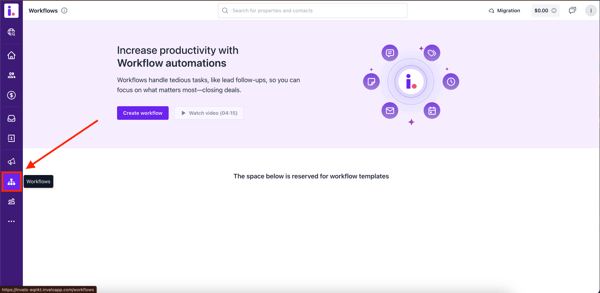
- Click Workflows in the left-hand menu.
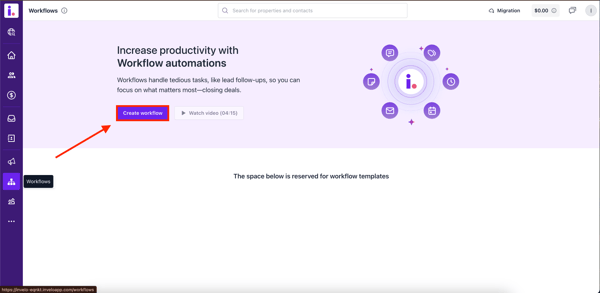
- On the Workflows page, select Create Workflow
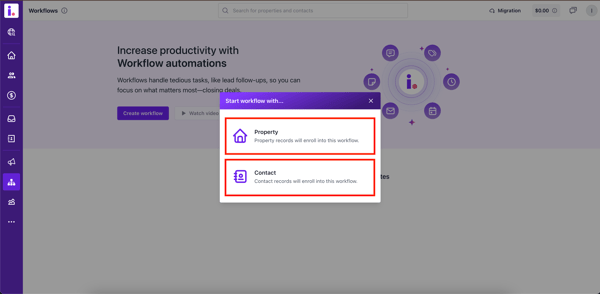
- Choose whether the workflow is for properties or contacts.
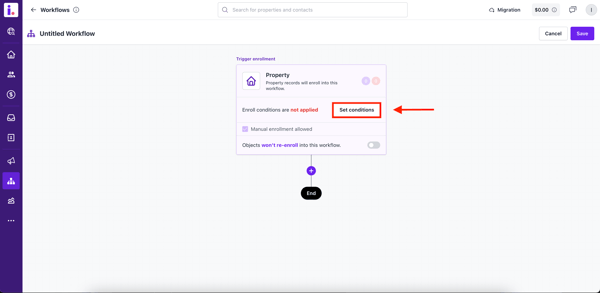
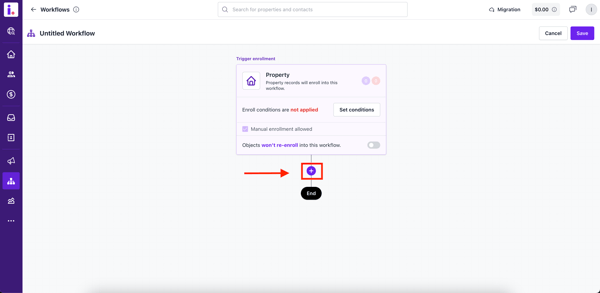
- On the Create Workflow page, click Set Conditions.
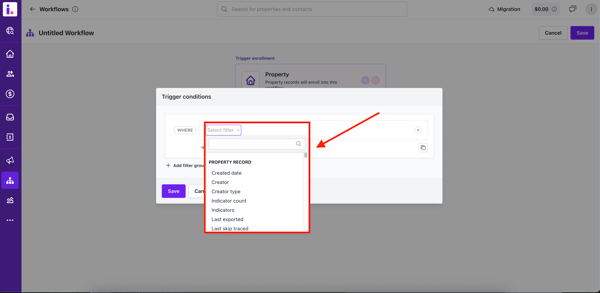
- Select the filter conditions to ensure only the preferred records enter the workflow.
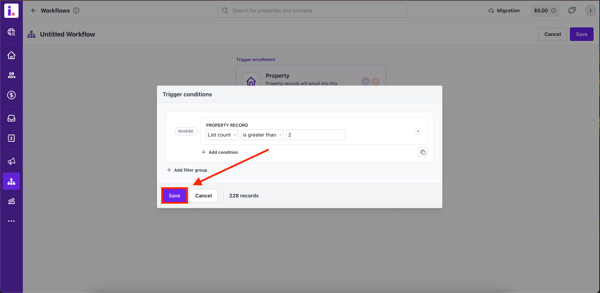
- Click Save.
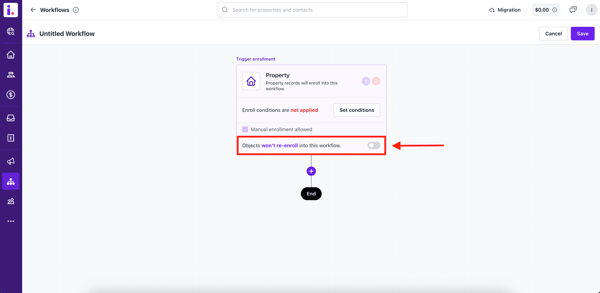
- Choose if records should re-enroll in the workflow by toggling the re-enrollment option
- Add Actions by clicking on the '+' icon.
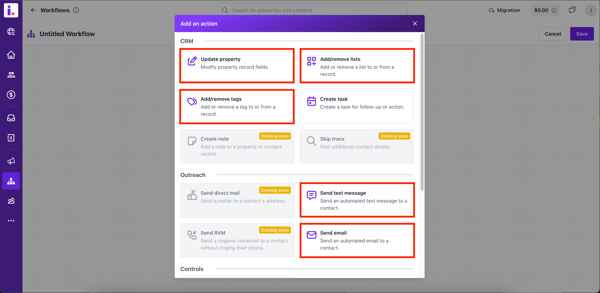
- Select the type of actions from CRM, Outreach, Controls, or Others.
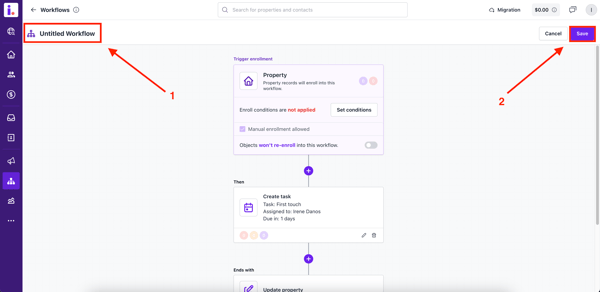
- Edit the Workflow Title and click Save.